
College Board · 2024
From a stale spreadsheet to a search anyone can use
Replacing a downloadable Excel file with a search tool that shows students and counselors which universities outside the U.S. recognize AP and SAT.
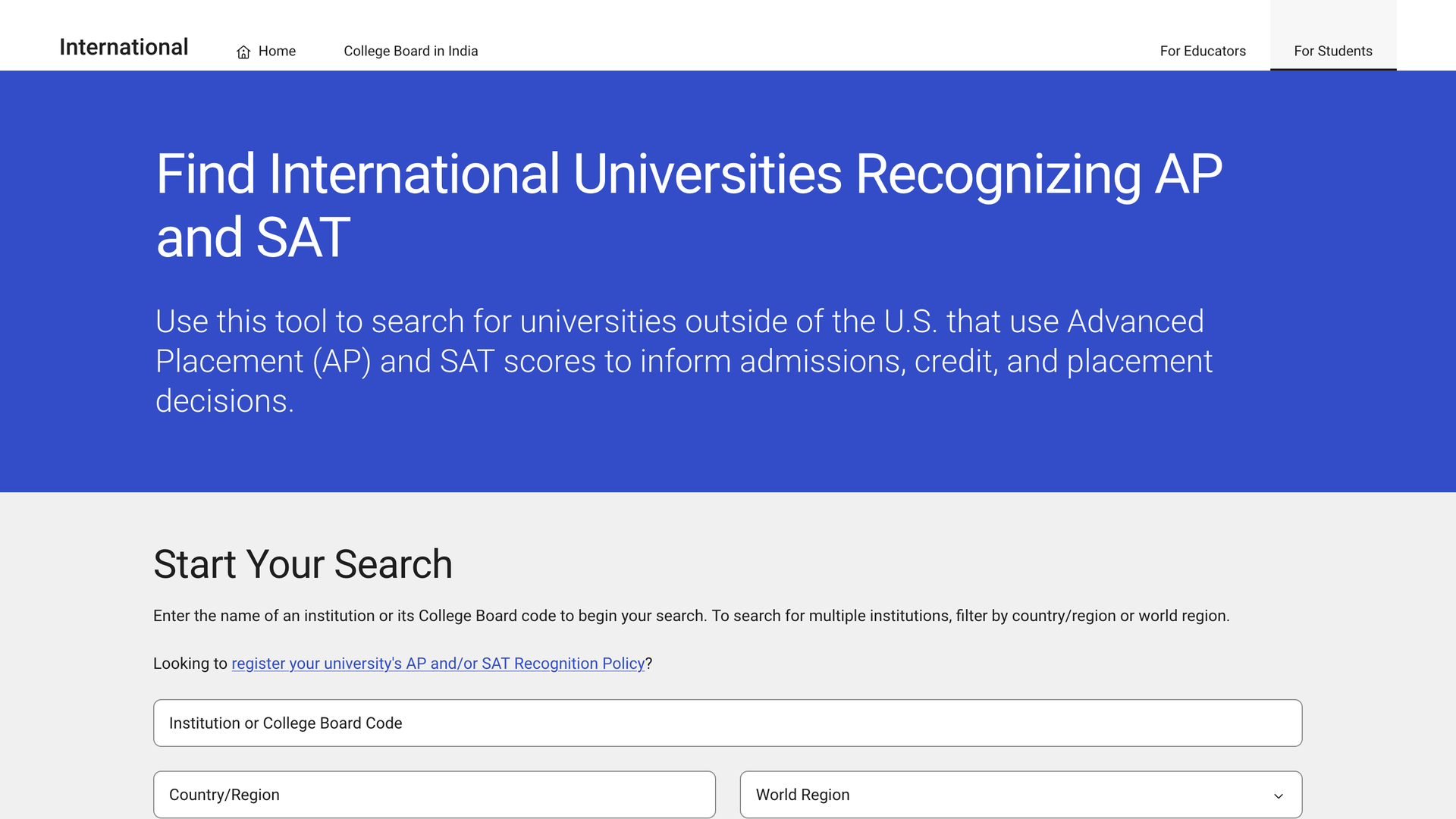
Result
The same information that used to live in a spreadsheet, now a search away.
Background
A file nobody could trust
Universities around the world use AP and SAT scores for admissions, credit and placement, and each sets its own policy. Students and counselors outside the U.S. need to know which universities recognize which exams.
That list lived in a downloadable Excel file.
Out of date
Once downloaded, a copy stopped changing. Students and counselors often worked from an old list without knowing it.
Hard to update
Every change meant the international team editing and reposting the spreadsheet.
Hard to use
A spreadsheet download is a poor way to find one university, especially on a phone.
Every gap turned into a call. The international team fielded a steady stream of questions the file should have answered.
Objectives
Project goals
Always current
One live page instead of copies of a file scattered across inboxes and hard drives.
Find a university fast
Search by name or College Board code, or browse by country or world region.
Readable anywhere
Results a casual student or counselor can scan on a phone.
Target audience
Who we designed for
Students
Choosing exams and universities, and checking what their scores are worth.
Counselors
Advising many students at once, and need a quick, reliable answer.
Institutions
Understanding credit adoption, and registering their own recognition policy.
Approach
A pattern people already know
College Board already had a search pattern that worked well on similar tools. We reused it: search by institution name or College Board code, then narrow by country or world region. People who had used any College Board search already knew how this one worked and what it would return.
We did little formal user testing, and that was a deliberate call. Users were already getting the data they needed. The problem was getting to it, and the fix was clear.
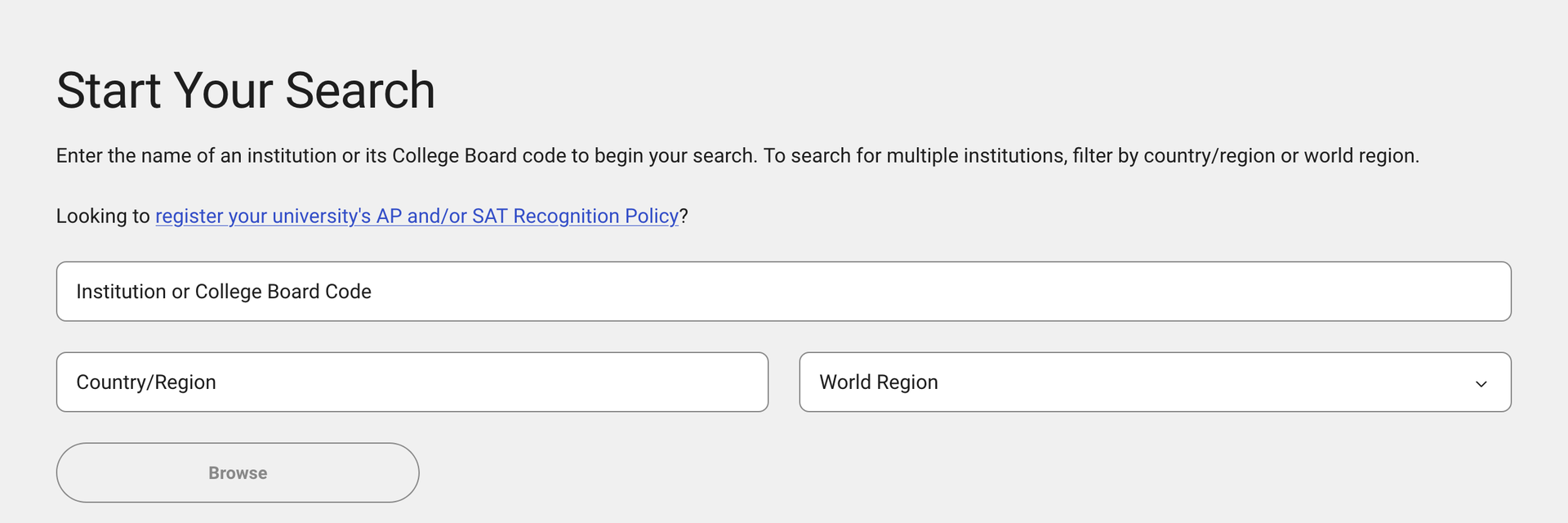
Workflow
Cards, not columns
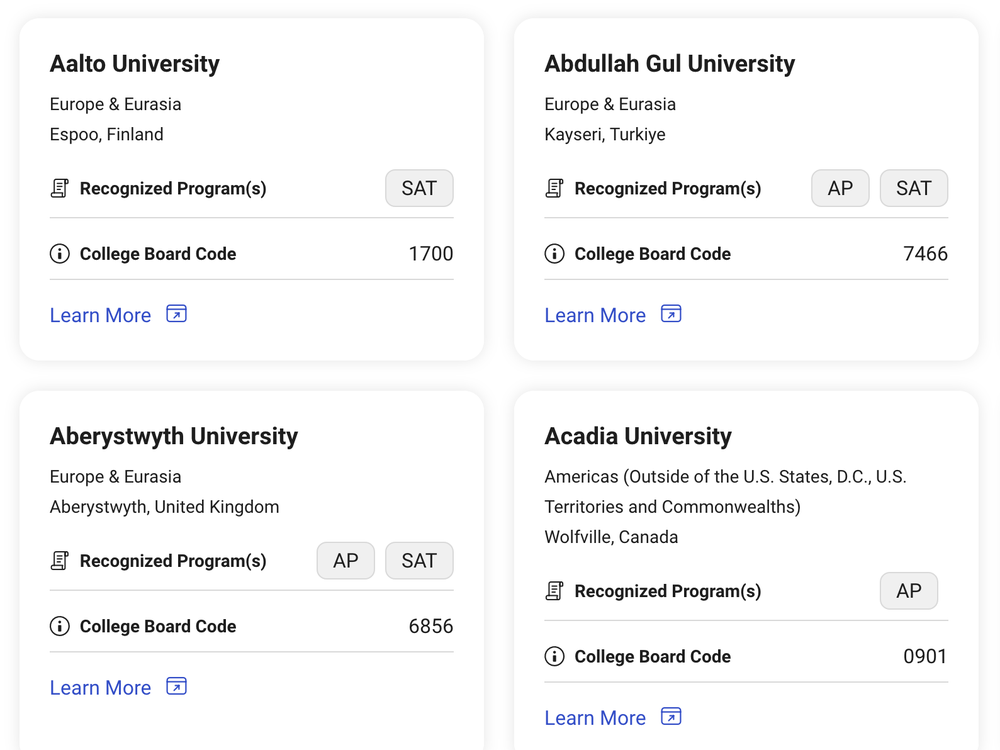
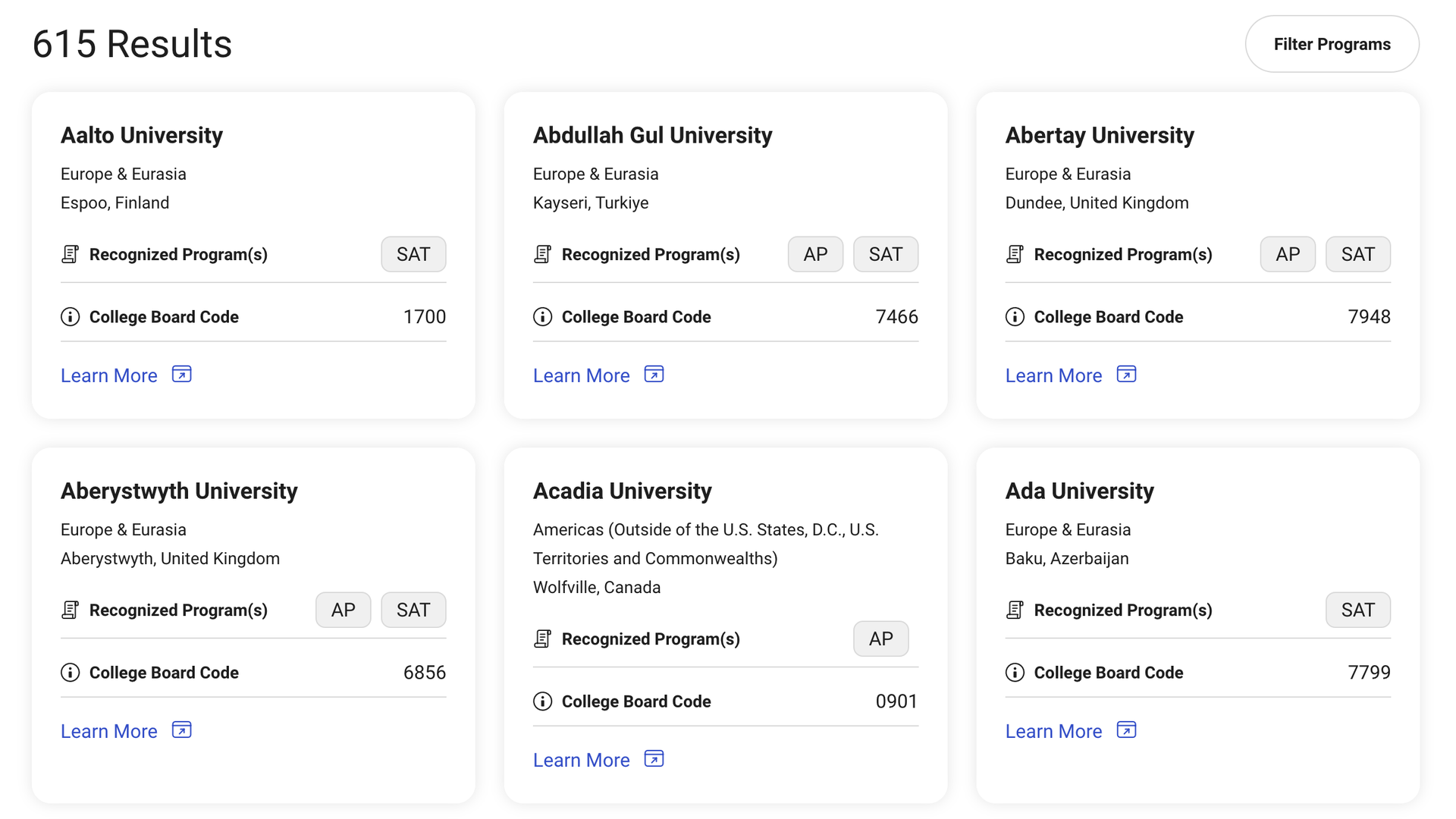
A spreadsheet row asks you to read across a dozen columns. A card puts one university's answer in one place.
Each card shows the university, its world region and city, which programs it recognizes as AP and SAT tags, and its College Board code, with a link to the full policy. Cards stack cleanly on a phone, so a student or counselor can scan results without zooming into a grid.
Reflection
What I learned
Reuse what already works
Borrowing a search pattern people already knew saved design and build time, and users didn't have to learn anything new.
Don't overthink small wins
Not every project needs a novel solution. When the problem is clear, a simple design that gets out of the way is the right one.
More work