
TD Ameritrade · 2018 – 2019
Trading, in words traders actually use
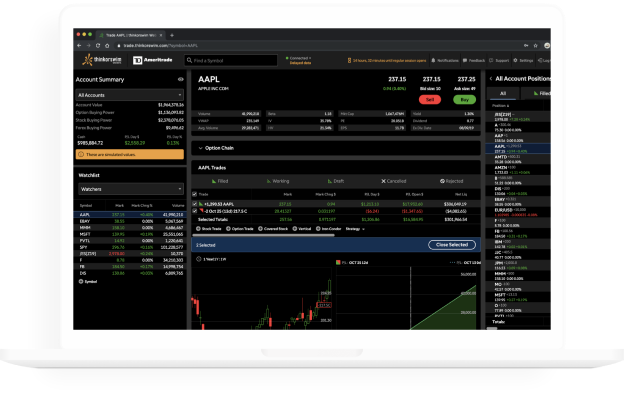
Designing thinkorswim web: a more approachable trading platform for new traders that keeps the complex features experienced traders depend on.
Key finding
Users read a trade the way they read an email or an online order. The order book didn't need floor-trading vocabulary.
Background
thinkorswim
thinkorswim is the heart of the TD Ameritrade trading ecosystem: an all-in-one desktop platform, the Swiss army knife of trading, with education and news built in. TD Ameritrade bought it in 2009 to close the high-end trading gap in its product line.
thinkorswim web set out to make that power approachable for new traders, without losing the complex feature sets sophisticated traders use every day.
“Re-envision the thinkorswim experience as if it never existed.”
How we worked
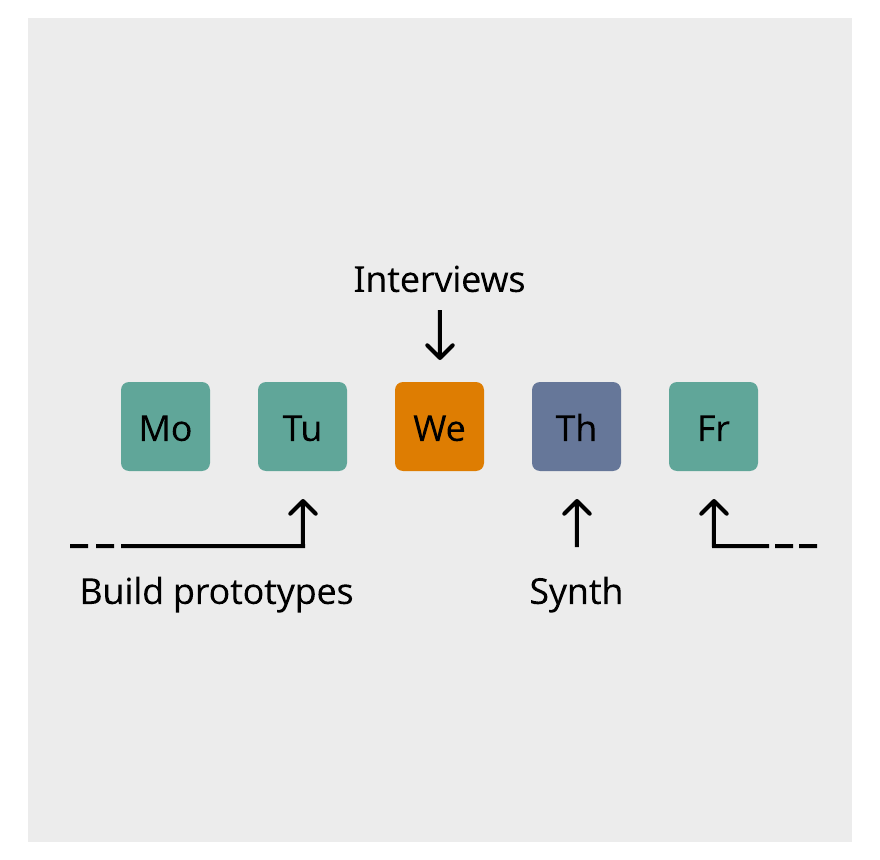
Ship daily, research weekly
We worked in extreme programming: build the smallest deliverable that works and push it to production, often several times a day. Engineers, designers and product paired at one computer to share context and surface hypotheses for research.
Every week we interviewed 5–6 users for an hour each. Half the session tested hypotheses. The other half tested the beta with one prompt: “Try to place a trade you've done in the last week or month.” That told us what worked and what to build next.
Objectives
Project goals
Approachable
Lower the intimidation factor: clear actions, relevant information, less clutter.
Part of the family
Keep the depth sophisticated traders use. The cool new cousin, not a stripped-down app.
Guiding hand
Help traders use relevant data to decide, and understand their risk before taking a position.
Bridge between worlds
Let TD Ameritrade investors level up into trading without switching tools.
Any browser
thinkorswim technology without a desktop install.
Accessibility
Open the door to a much wider range of new users.
Target audience
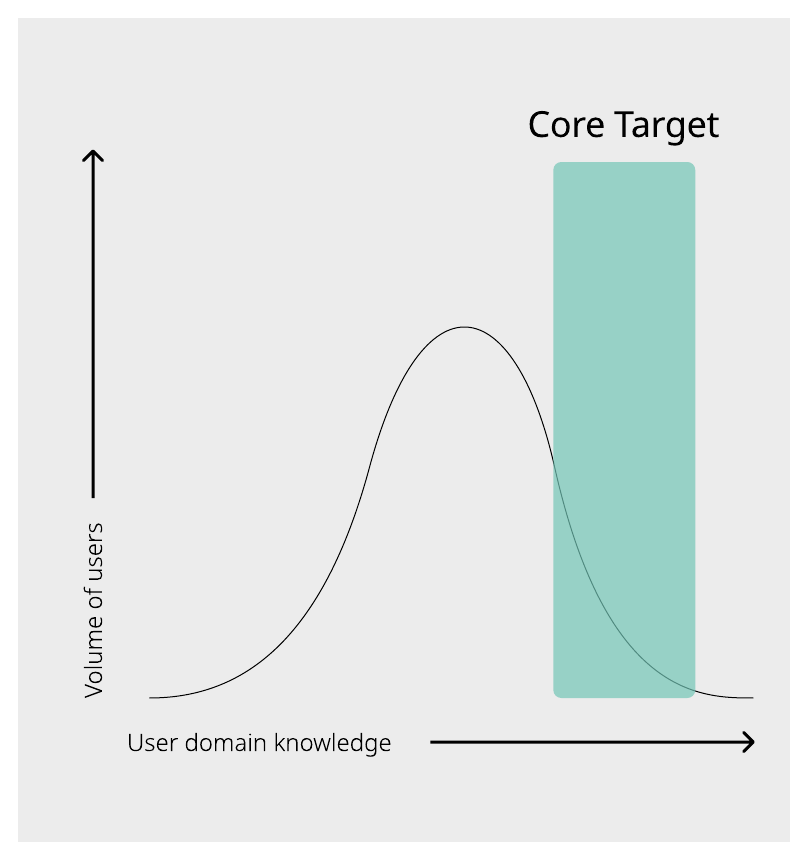
Investors becoming traders
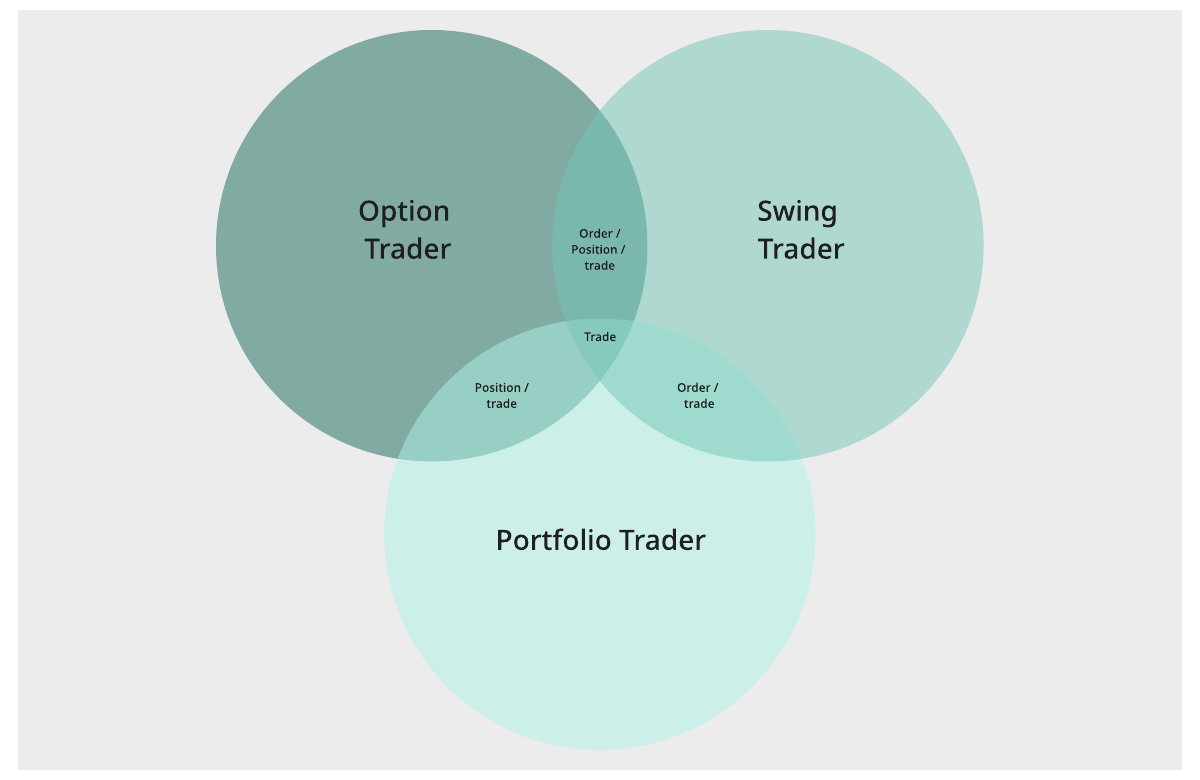
The nucleus of our audience was the portfolio trader. They start as investors, and as they trade more often TD Ameritrade classifies them as traders, often before they think of themselves that way.
Once they find their groove, they follow an analytical path and become option traders, or a volumetric one and become swing traders.
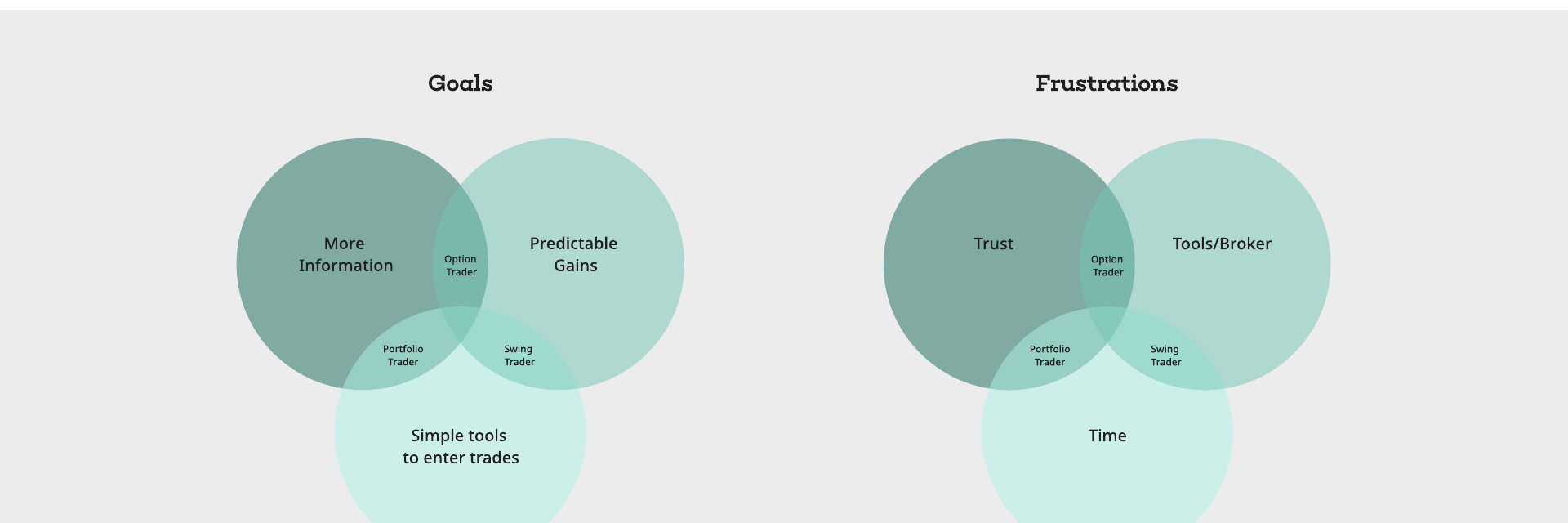
Portfolio Trader
“Always looking for ways to make my dollars work harder for me.”
Short on time, wary of jargon and too many strategies.
Option Trader
“I'm not a gambler, I'm the house.”
Analytical. Wants accurate information and advanced trades in fewer clicks.
Swing Trader
“Hitting a hard stop is a lesson learned in paying attention.”
Momentum-driven. Wants speed and a trade with its exit built in.
Workflow
A funnel, not a menu
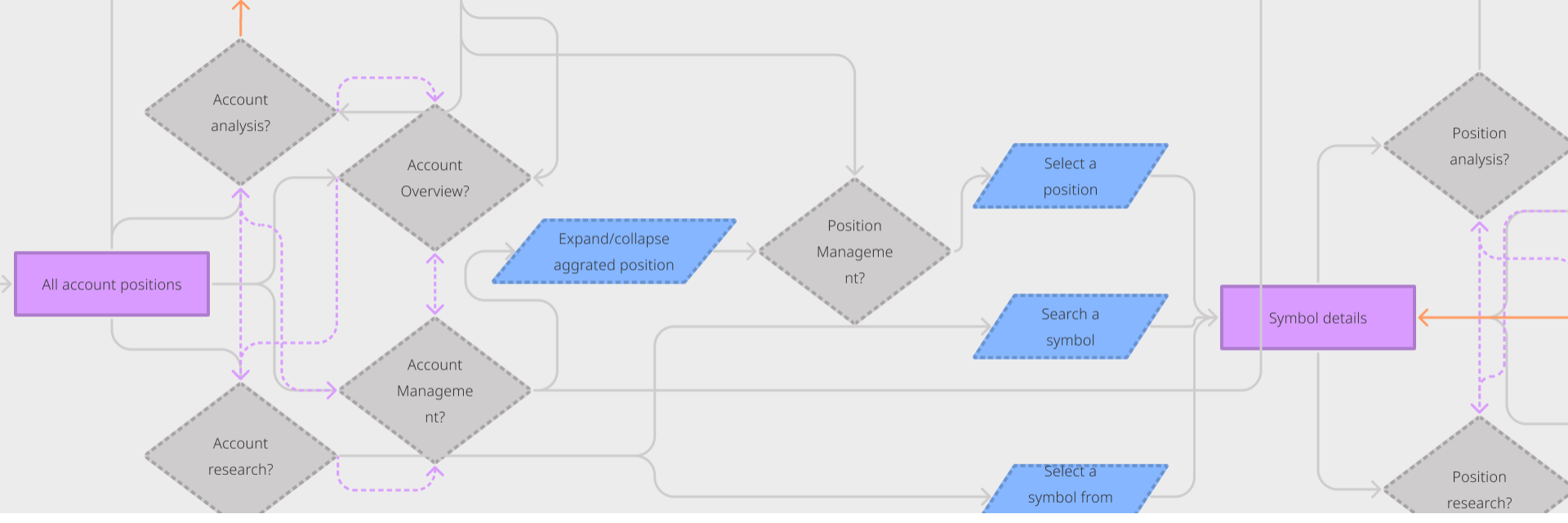
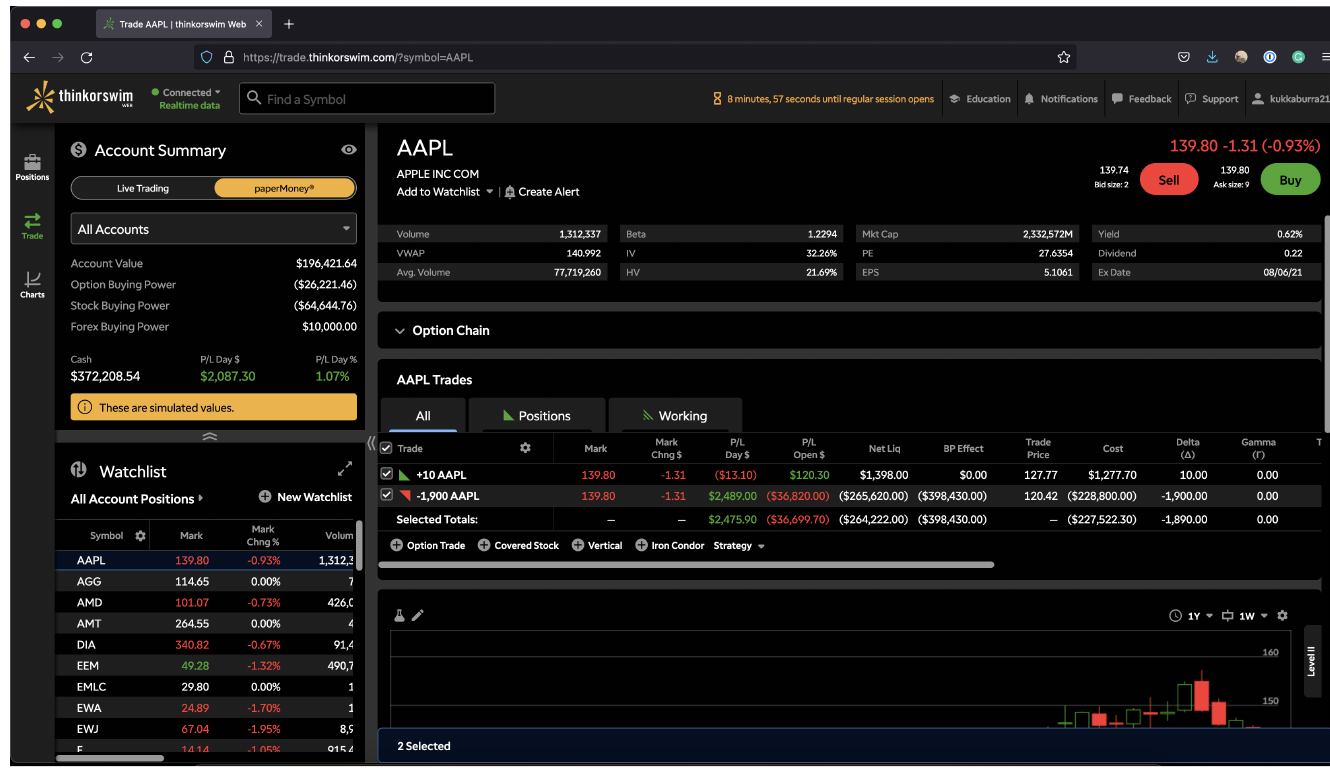
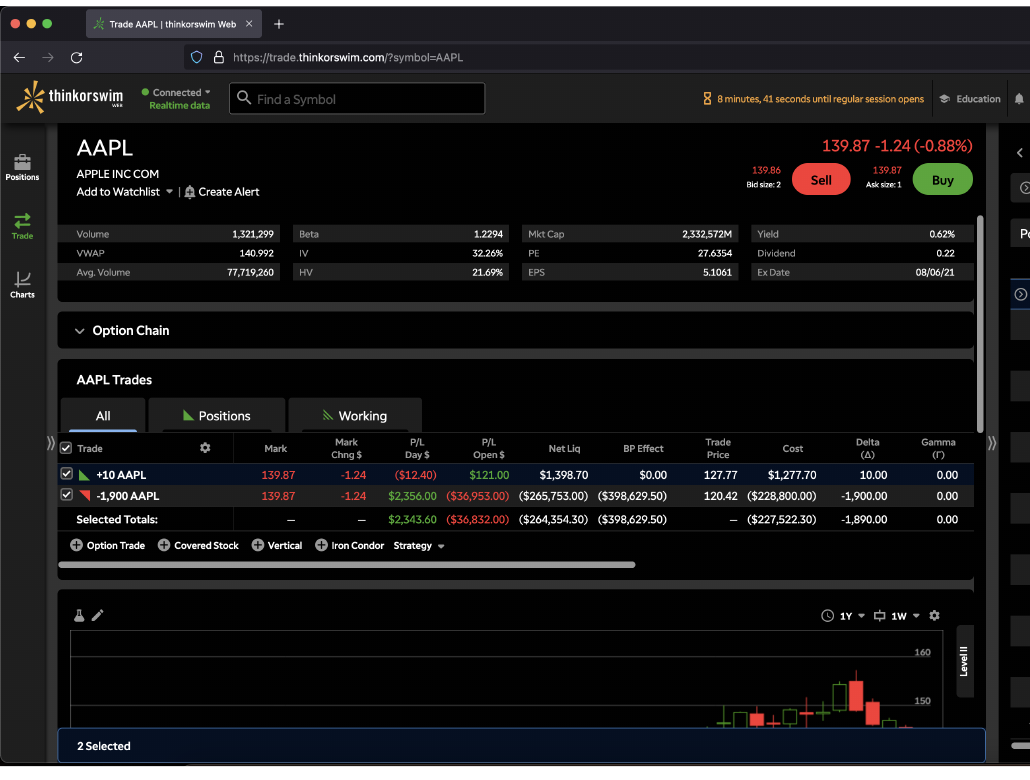
Interviews about trading strategies and position management led to a funnel: start at the account, then drill into a specific instrument. Framing the platform this way removed the need for fixed navigation. Users go to what they want instead of bending their task to fit a menu.
Defining patterns
Trade, order or position?
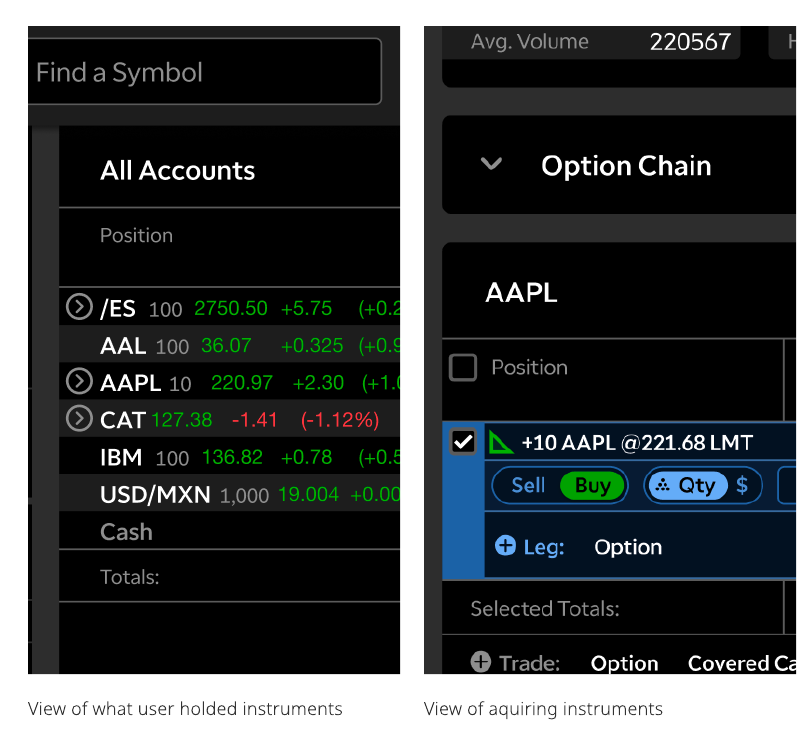
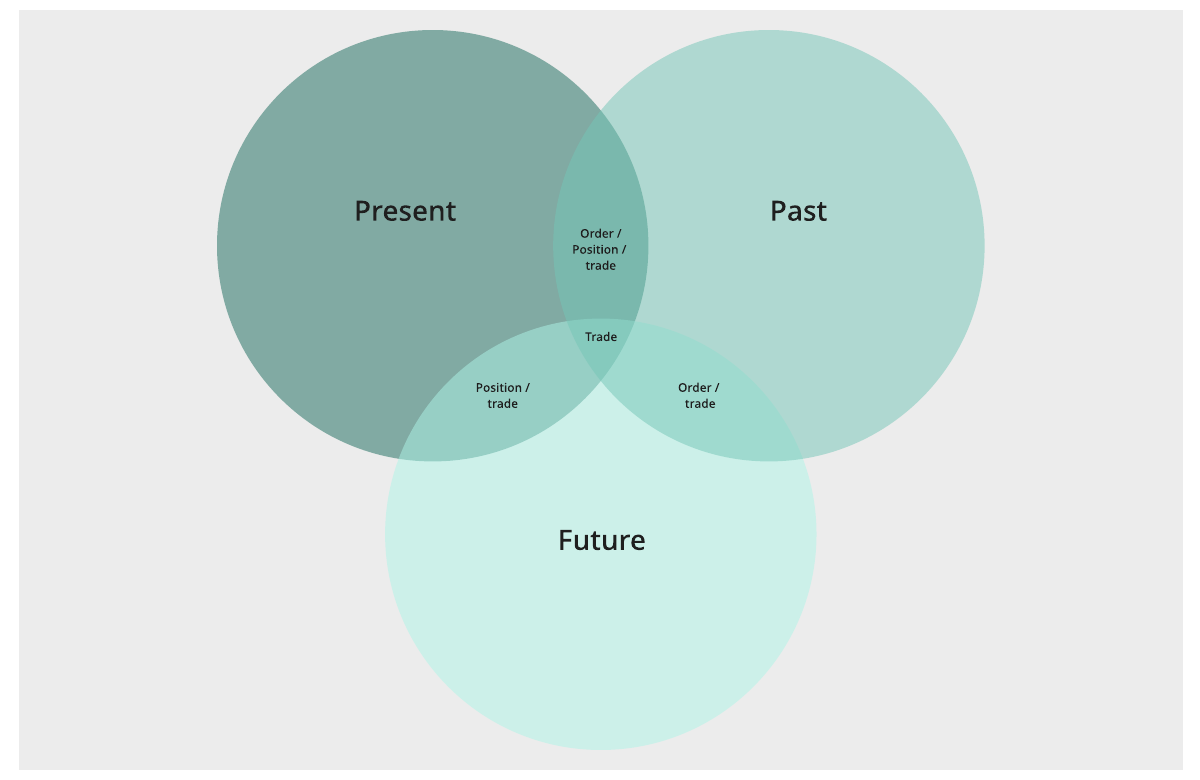
thinkorswim's model says a trade becomes an order, which becomes a position. It mirrors old floor trading: a phoned-in trade becomes a paper order, which becomes a line on a ledger.
In interviews, though, users picked one of those words and stuck with it. Moving one object through three names felt forced, so we tested the vocabulary itself.
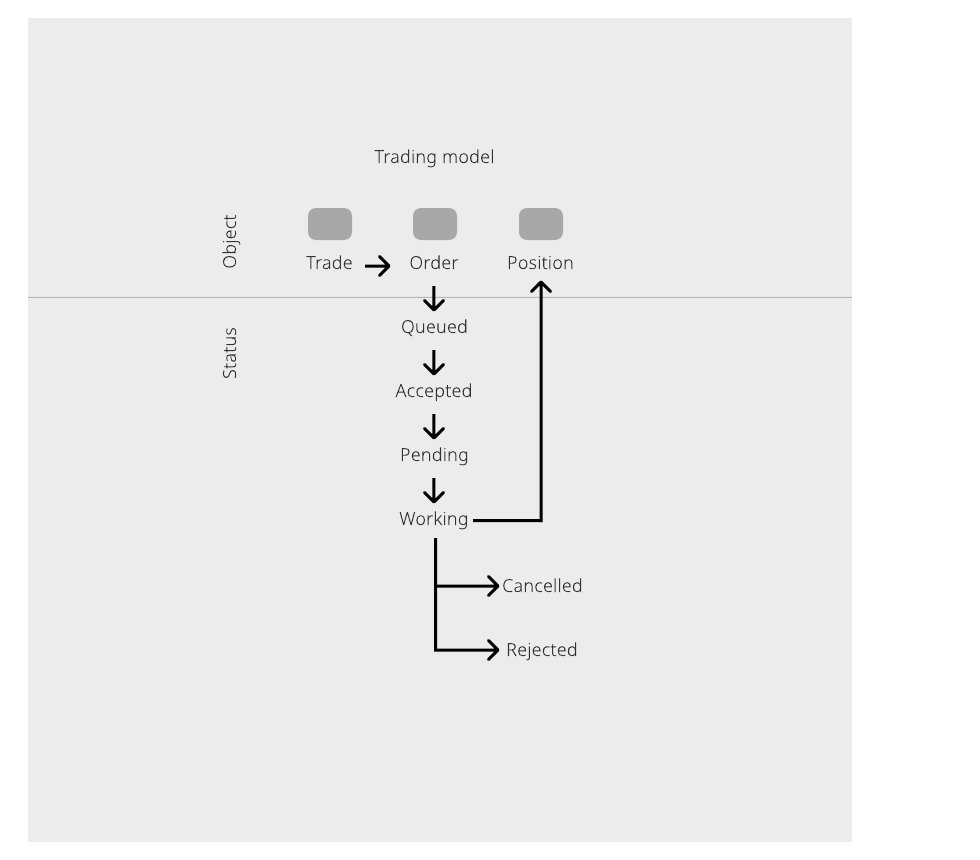
Fill in the blank. We removed the labels from the interface and had users describe what they were doing, so they filled the gaps with their own words.
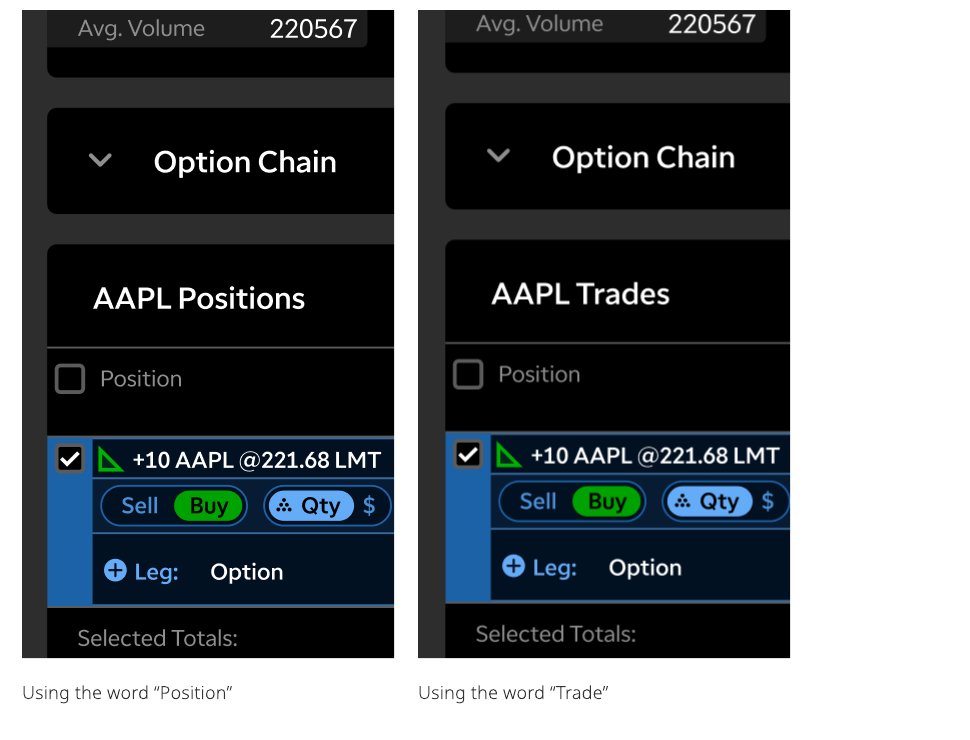
Final test. An A/B test settled it: users preferred “trade”. A position is something you own, and users couldn't square that with a short, where you borrow the instrument instead. So instruments across the app are labeled as trades.
Order book
Draft, pending, filled
Every trading platform has an order book that tracks an order until it becomes a position. Nobody mentioned it when describing their strategy, so we broke it down. We tested it with a broad set of users, from novices to our target audience.
Users ranked words for three scenarios: a transaction yet to happen, one in progress, and one completed. Question and word order were randomized to remove bias. The biggest departure from the trading model was “saved”: users thought of it like a cart or an email draft. “Pending” won for in-progress and “completed” for done.
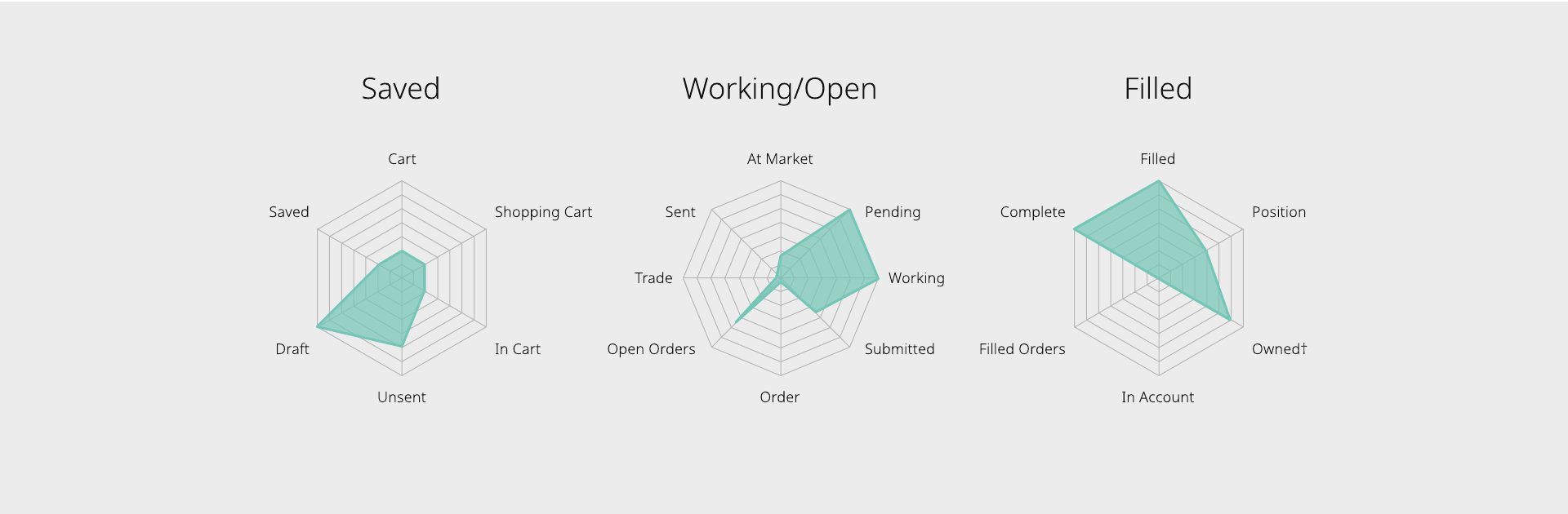
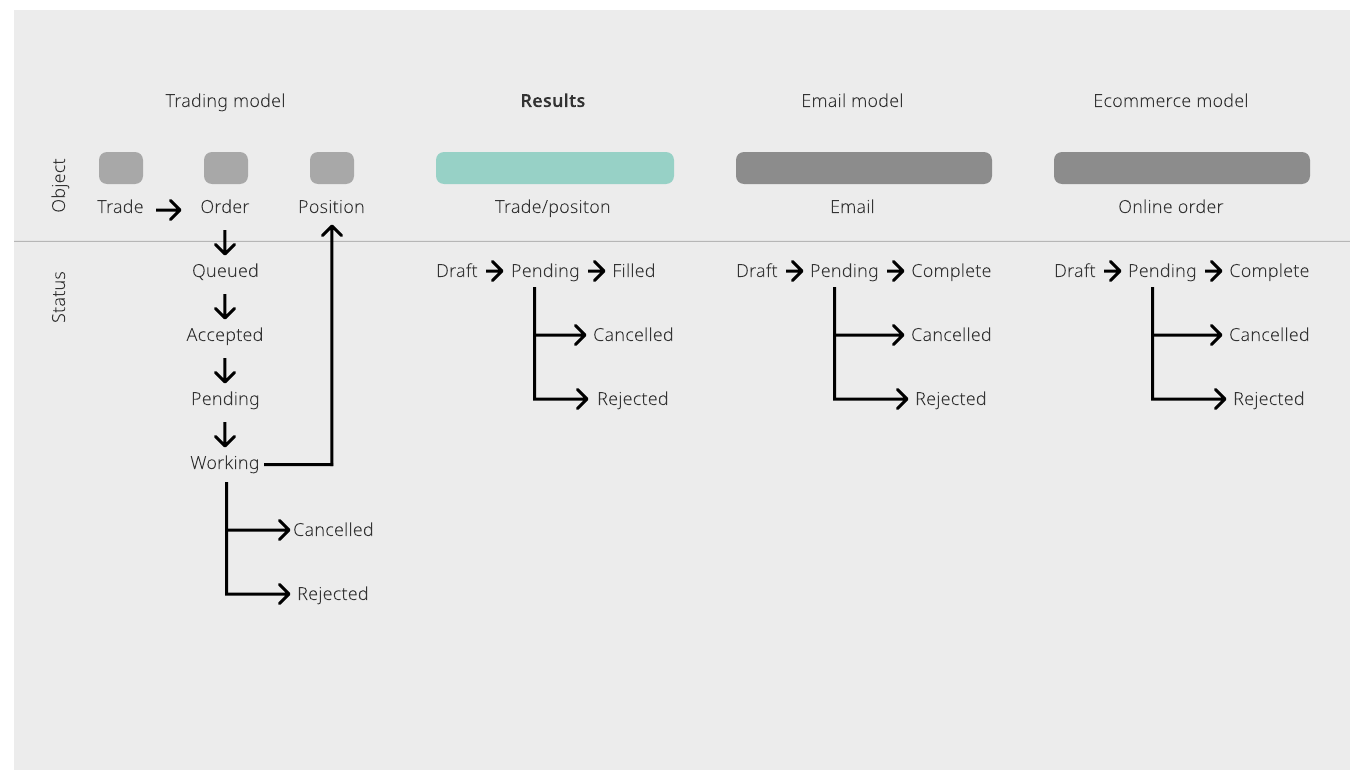
What about support? We had left the trade desk support team out. When we brought them in, they loved the simpler structure because it made customer conversations easier. But many customers use only the trade desk, and its systems follow the traditional model. Their worry was supporting a different model for web alone.
So we took a middle path: ship the less contentious findings, hold the rest for future A/B tests, and route related calls to a dedicated group of agents.
Reflection
What I learned
Labels matter most to beginners
Users are flexible about what objects are called. Only new traders care; experienced traders just need the object to look the way they expect. That makes domain model changes safer, because you can design for one group without alienating the other.
Bring support in early
Support teams are a strong proxy for users, and they simplify workflows to make customer conversations easier. They're a great partner when simplifying a domain model, so involve them sooner and more often.
More work